
The real cost of running your business on six different apps
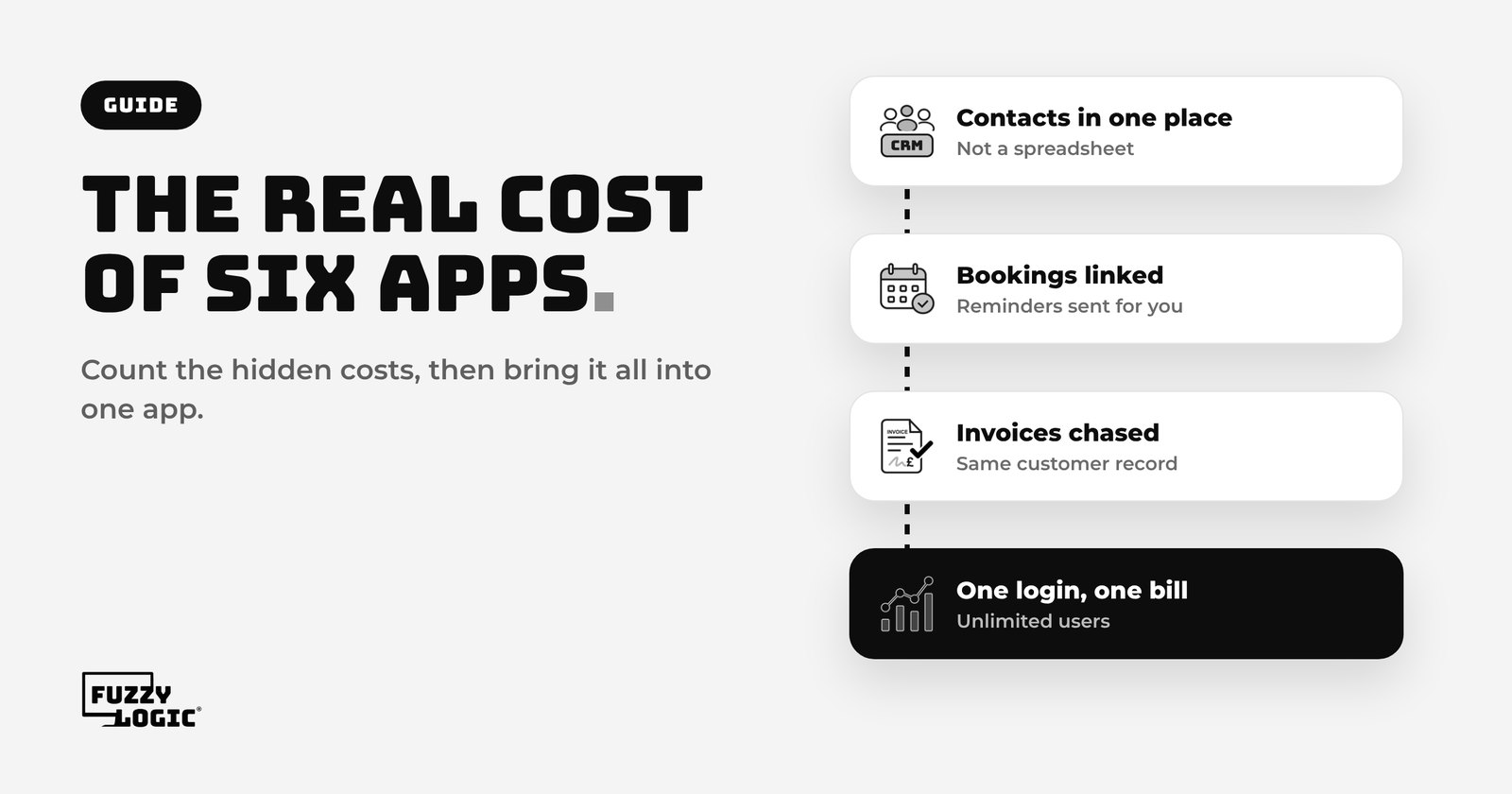
Most small businesses don't choose to run on six apps. It just happens, one sensible decision at a time.
You start with a spreadsheet for contacts. Then you add an email tool for newsletters, a booking app so customers can pick a slot, something for invoices, something for signing quotes and a project board to keep jobs on track. Each one solved a real problem on the day you signed up.
A few years later you have a stack of logins, a pile of monthly payments and a team that copies the same customer details from one place to the next. This guide looks at what that really costs you, beyond the subscription fees, and how to work out whether all-in-one business software would suit you better.
The costs you can see
The obvious cost is the monthly bill. Add up every tool you pay for and it's often more than people expect, because subscriptions creep up quietly. A tool that started on a free plan moves you to a paid one when your list grows. Another charges for every extra user, so the price rises every time you hire.
Grab your bank statement and list every software payment from the last three months. For each one, write down:
- what it does and who uses it
- what you pay a month, including VAT
- whether the price goes up with more users, more contacts or more emails sent
- when it renews, and whether you're locked into an annual contract
That list is your starting point. But the subscription fees are rarely the biggest cost.
The costs you can't see
The bigger cost is the time and the work that falls through the gaps between apps.
- Double entry. A new customer gets typed into the booking app, then the invoicing tool, then the email list. Every copy is a chance for a typo or a missed field.
- Switching between screens. Answering one simple question, such as "has this customer paid?", can mean opening three tools. It adds up across a week.
- No single view of the customer. Their emails are in one place, their WhatsApp messages on someone's phone, their quote in another tool. Nobody has the full picture.
- Leads that slip through. When an enquiry lands in an inbox rather than a pipeline, it's easy for it to sit there until the customer has gone elsewhere.
- Integrations that break. Connector tools that pass data between apps are brilliant until a field changes or a login expires, and nobody notices for a fortnight.
- Onboarding new staff. Every new starter needs a login, training and permissions in every tool, and you need to remember to remove them all when they leave.
None of these show up on an invoice, but you pay for them in hours, missed work and stress.
A simple way to work out your real cost
You don't need a spreadsheet model. A rough sum is enough to see whether it's worth changing.
- Add up your subscriptions from the list above.
- Estimate the admin time. Ask your team how long they spend each week copying details between tools, chasing information or fixing mix-ups. Multiply by what that time costs you.
- Count the leaks. Think about the last month. How many enquiries got a slow reply, how many quotes were never followed up, how many invoices were paid late because nobody chased them? Put a rough value on even one or two of those.
- Look ahead. If you plan to hire, work out how the bill changes when per-user tools add more seats.
Put the four numbers together and you have the real monthly cost of your current setup. That's the figure to compare against any alternative, not just the subscription total.
What all-in-one business software replaces
All-in-one business software puts the jobs those separate apps do into one system, with one customer record at the centre. In practice that usually covers:
- a CRM with your contacts, pipeline and full conversation history
- a shared inbox for email, text, social messages and website chat
- online booking with automatic reminders
- invoices and card payments, with automatic chasing
- email newsletters and automated follow-ups
- landing pages, forms and website hosting
- document signing, a social media planner and reports
The real gain isn't fewer logins. It's that everything is connected by default. A form fills the CRM, the CRM starts the follow-up, the booking sends the reminder and the invoice is linked to the same customer. There's nothing to copy across and no connector to break.
When separate apps still make sense
All-in-one isn't right for everyone, and it's worth being honest about that.
- You rely on one specialist tool. Accounting software is the common example. An all-in-one app handles invoices and payments, but your accountant will still want proper bookkeeping software for your tax returns.
- You only use one or two tools. If you genuinely just need a booking page, a bigger system may be more than you need right now.
- A tool is deeply built into your industry. Some sectors have specialist software for compliance or records. Keep it, and look at moving everything around it into one place.
For most small service businesses, though, the core jobs are the same: win the enquiry, follow it up, book it in, deliver the work, get paid and keep in touch. That's exactly what all-in-one software is built for.
How to make the switch without the chaos
Moving everything at once is how switches go wrong. Do it in stages instead.
- Start with your contacts. Export them from your spreadsheet or old CRM and import them first, so everything else has something to attach to.
- Move how new enquiries come in. Point your website forms and chat at the new system so every new lead lands in one pipeline.
- Switch on one follow-up. A simple automatic reply to new enquiries is a quick win. Our guide on how to stop losing leads walks through it.
- Move bookings and invoices next. Run the old tools alongside for a few weeks until you're confident.
- Cancel as you go. Each time a job has moved, cancel that subscription. Check renewal dates so you don't pay for another year by accident.
Putting it together
Six apps can work, but you pay for them twice: once on the bill and again in the time your team spends holding them together. Work out your real cost, keep any specialist tool you truly need, and bring the rest into one place.
That's what we built Fuzzy Logic App for. Your CRM, inbox, bookings, invoices, automations, newsletters and website sit in one app, with one login and one bill. Every plan includes unlimited users and unlimited contacts, so the price doesn't climb when you hire, and our UK team is on hand to help you move across. From £99 + VAT a month, with a 14-day free trial.
Swap the patchwork for one app
Try Fuzzy Logic App free for 14 days, or book a free call and we'll help you plan the move.
Read next: Missed calls are missed money: how an AI receptionist works