Online booking for small businesses: a simple setup checklist
To set up online booking for a small business, decide what people can book and for how long, set your real availability, connect the calendar you already use, turn on confirmations and reminders, then put your booking link everywhere customers find you. Most businesses can do the basics in an afternoon. The rest of this checklist is about getting it right, so the diary fills up and the no-shows drop.
An online booking system is software that lets customers pick a free slot and book it themselves, day or night, without phoning you. Fuzzy Logic App includes online booking in every plan, alongside the CRM, inbox and invoicing, so each booking lands on the customer's record rather than in yet another app.
Before you start: what do you actually want booked?
Write down every type of appointment you offer. Be specific, because each one becomes a bookable service:
- Name: what the customer sees ("45-minute consultation", "Boiler service", "Cut and blow-dry").
- Length: how long it really takes, not how long you hope it takes.
- Buffer: travel, clean-up or note-writing time after each one.
- Who does it: you, or a particular member of the team.
- Where: your premises, the customer's address, or a video or phone call.
If you only offer one thing, start with one. You can add more services once the first is working.
The 10-step online booking setup checklist
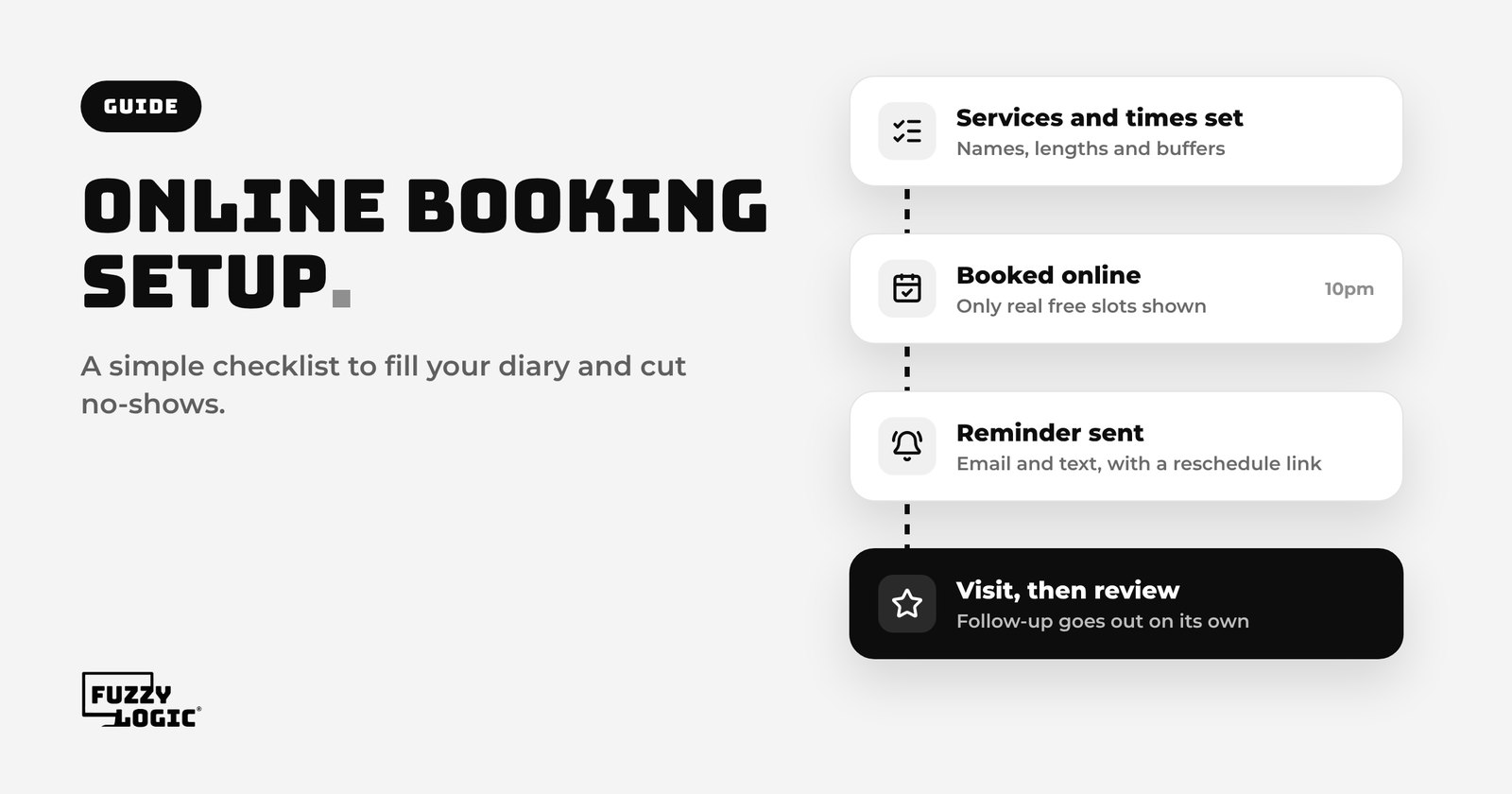
- Create your services with names, lengths and buffers from the list above.
- Set your opening hours for each service, including any days or times you don't want booked.
- Add your team. Give each person their own availability so customers only see slots someone can actually do.
- Connect your existing calendar so busy times are blocked out and new bookings appear where you already look.
- Set booking rules: how far ahead people can book, and the shortest notice you'll accept.
- Ask only for what you need on the booking form: name, phone, email and one or two questions that help you prepare.
- Turn on confirmations and reminders by email and text.
- Let customers reschedule or cancel themselves, so a slot is freed up instead of wasted.
- Add a follow-up after each appointment: a thank-you, a review request or a prompt to rebook.
- Book a test appointment yourself on your phone, then share the link.
How do I stop double bookings?
Double bookings happen when the booking system can't see your other commitments. Two things fix it. First, connect the calendar you already use, so personal appointments and existing jobs block out time. Second, make sure every member of the team has their own availability rather than sharing one diary. In Fuzzy Logic App the booking calendar only offers real free slots, so customers are never offered a time you can't do.
What should booking reminders say, and when should they go?
A reminder is a short automatic message sent before the appointment so the customer remembers to turn up. Keep it simple: who, what, when, where, and a link to reschedule. A common pattern is:
| When | Message | Why |
|---|---|---|
| Straight after booking | Confirmation with date, time, address and what to bring | Reassures them it worked |
| The day before | Reminder with a reschedule link | Catches people whose plans have changed |
| A couple of hours before | Short text: "See you at 2pm" | Text messages tend to be seen quickly |
| After the appointment | Thank-you and a review request or rebooking prompt | Turns one visit into the next one |
In Fuzzy Logic App, confirmations and reminders go out by email and text on every plan, and on Flow and above they can go out on WhatsApp too. Emails and texts are billed pay-as-you-go, so you only pay for what you send.
Where should I put my booking link?
A booking link only works if people see it at the moment they want to book. Put it in all of these places:
- Your website: embed the calendar on a "Book now" page and link to it from every page.
- Your Google Business Profile, as the booking or website button.
- Your social media bios and pinned posts.
- Your email signature, quotes and invoices.
- Replies to enquiries, so "when are you free?" becomes "pick a time that suits you".
If enquiries tend to arrive while you're busy, an automatic reply with the booking link does a lot of the work for you. Our guide on missed call text back shows how to catch the people who ring when you can't answer.
Should I take a deposit when people book?
A deposit is worth considering for long appointments, expensive services or anything you prepare for in advance, because people are less likely to forget something they've already paid towards. For short or low-cost appointments, a good reminder is often enough. If you do take deposits, say clearly on the booking page what happens if someone cancels late. Fuzzy Logic App has invoicing and card payments in the same app, so a booking and its payment sit on the same customer record.
What happens after the booking?
This is the step most businesses skip. Every booking is a chance to get a review, a referral or the next appointment. In Fuzzy Logic App, each booking creates or updates the customer's record in the CRM, with their details, history and conversations in one place, and you can trigger a thank-you, a review request or a rebooking prompt after each appointment. A salon might send a rebooking prompt a few weeks later; a tradesperson might send a review request the day after the job. Our guide to marketing automation covers more follow-ups you can switch on.
Putting it together
Good online booking is less about the software and more about the setup: clear services, real availability, reminders that people actually read, a link in every place customers look, and a follow-up after every visit. Fuzzy Logic App puts online booking, reminders, your CRM, invoicing and automations in one app, with unlimited users and contacts on every plan. From £99 + VAT a month, with a 14-day free trial.
Let customers book themselves, day or night.
Start a free trial, or book a free call and we'll help you set up your booking calendar.
Read next: Seven automations every small business should switch on this week